SSD and external SSD data recovery
Your SSD has stopped.
Give your data
the best chance.
SATA, NVMe and M.2 SSDs · Free diagnosis · Service in Brazil, Portugal and Spain
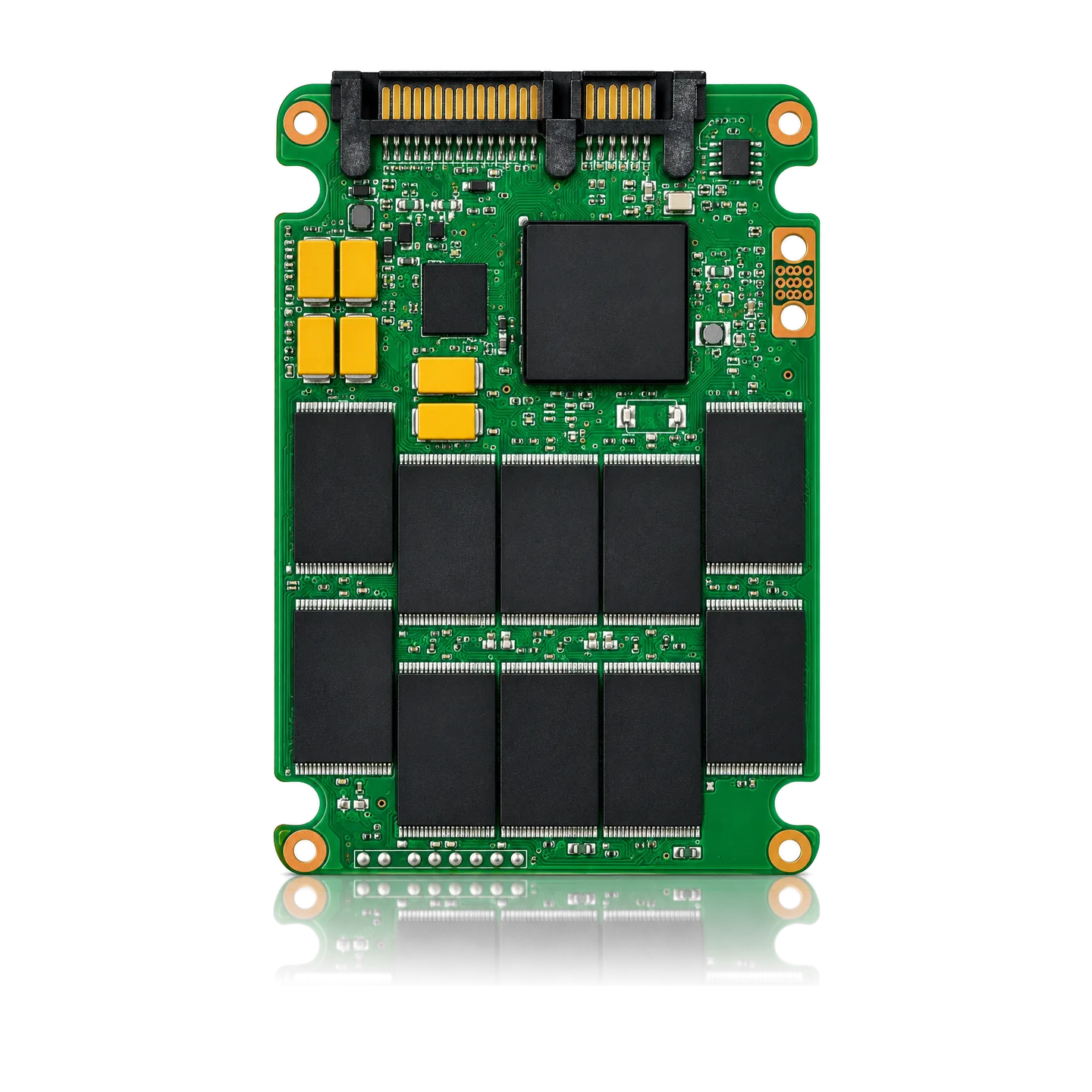
Can it still
be recovered?
Is your SSD not recognized, running slowly, asking to be formatted or no longer opening your files? In many cases, the data can still be recovered. We analyze the fault and send you a quote before any recovery work begins.
An SSD that is not recognized does not, on its own, mean the data is lost for good. Access to the memory depends on the controller and the firmware, and the outcome varies with the cause of the fault and what has already been tried.
Important
If the data matters,
stop using the SSD.
Do not accept the prompt to format, do not update the firmware and do not initialize the disk. Continued use can trigger TRIM, which internally erases the freed blocks.
Bot WhiteRoom®: the Flash Lab for SSD recovery
Every chip.
Every controller.
All the firmware.
In the Flash Lab we can edit the firmware, change the controller's operating conditions, work around the technologies it uses and, where the architecture allows, read the memory chips directly. Most SSDs store data encrypted: the approach for each case depends on the model and the fault, and is set by the diagnosis.
Explore the Flash Lab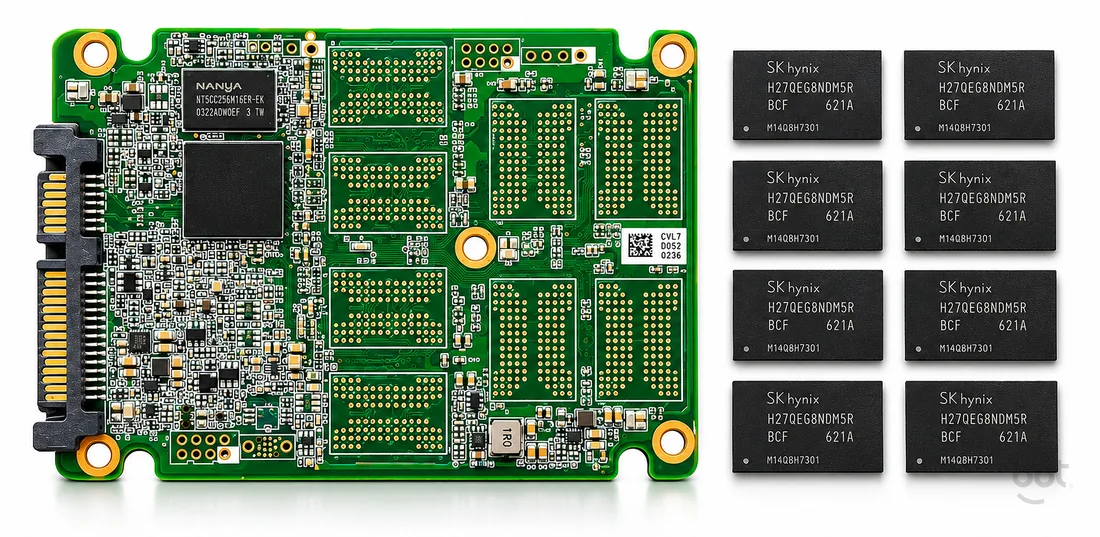
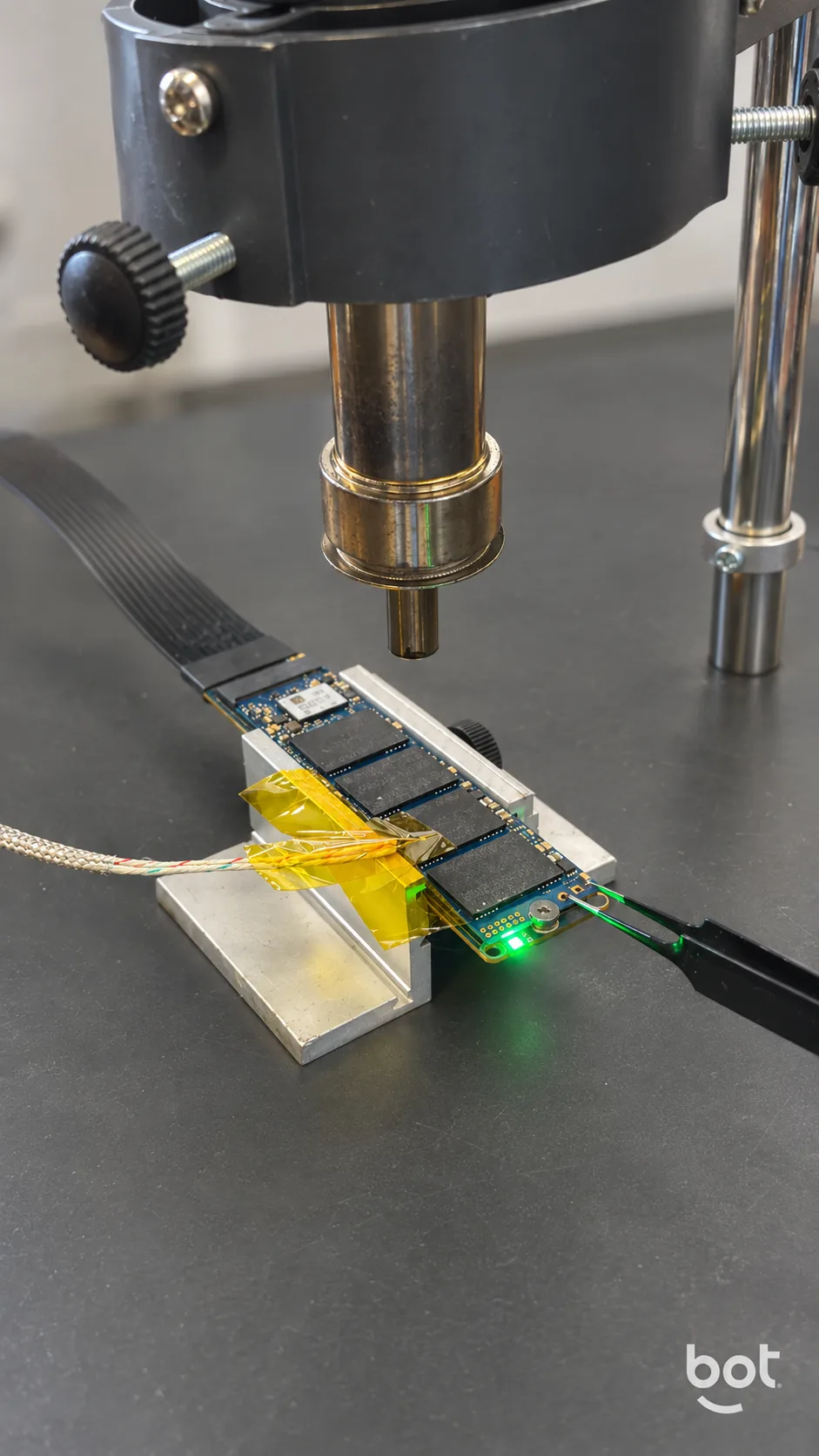 Controlled heat on the NAND chip
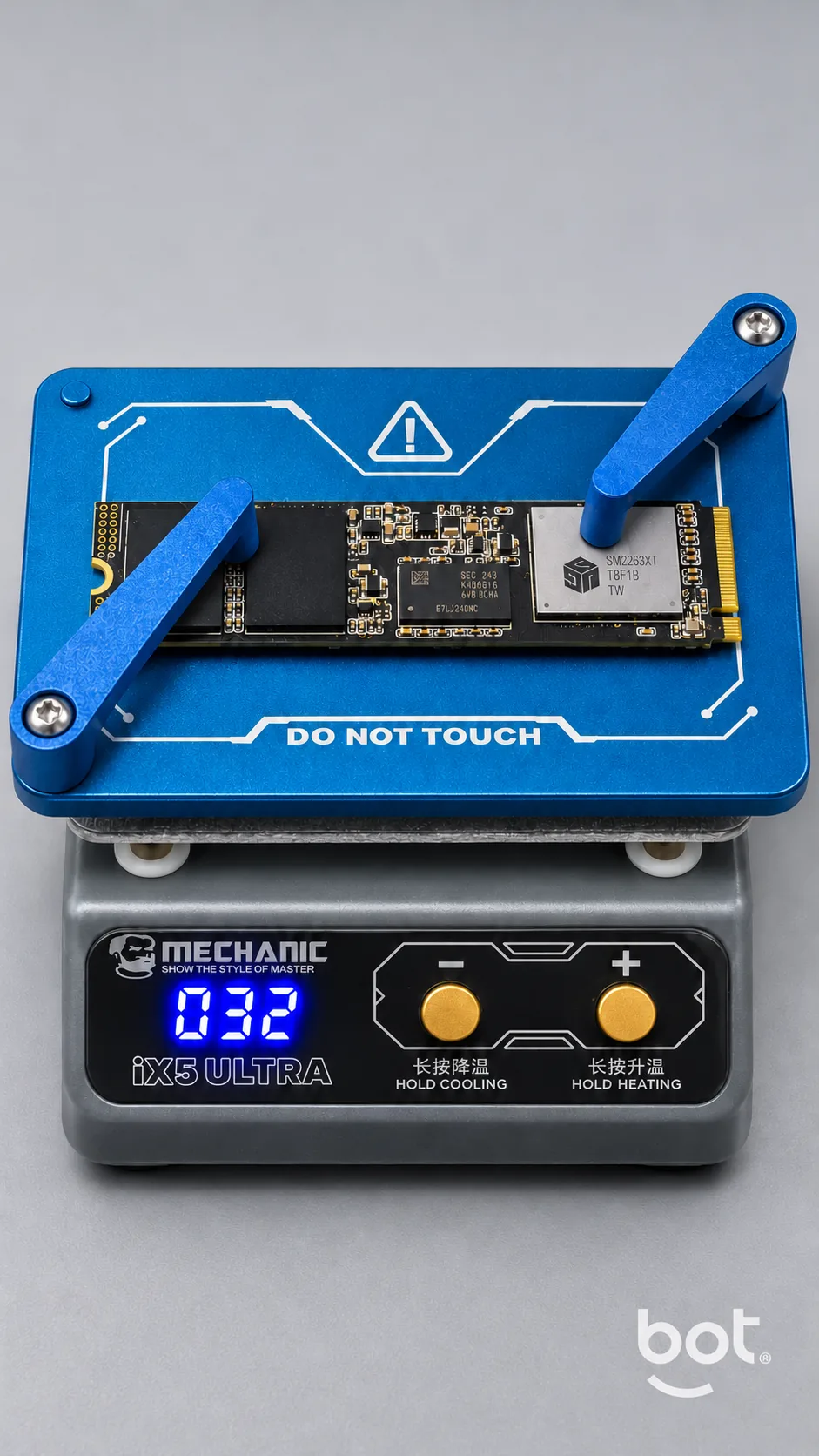 Heating base
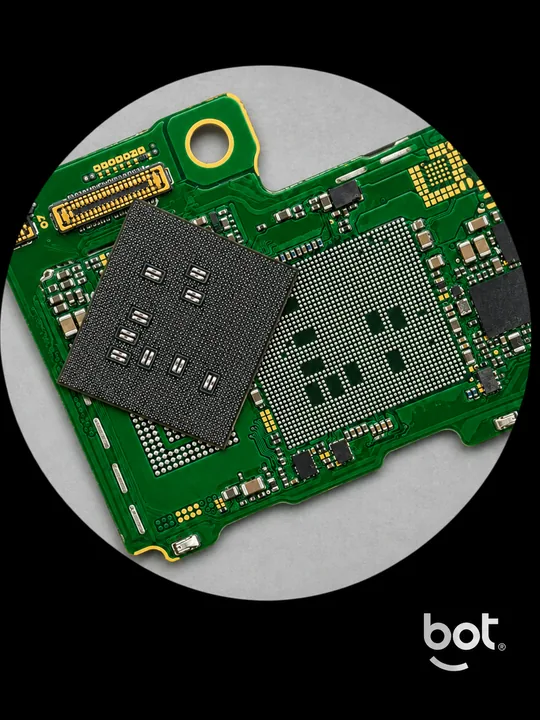 Under the microscope
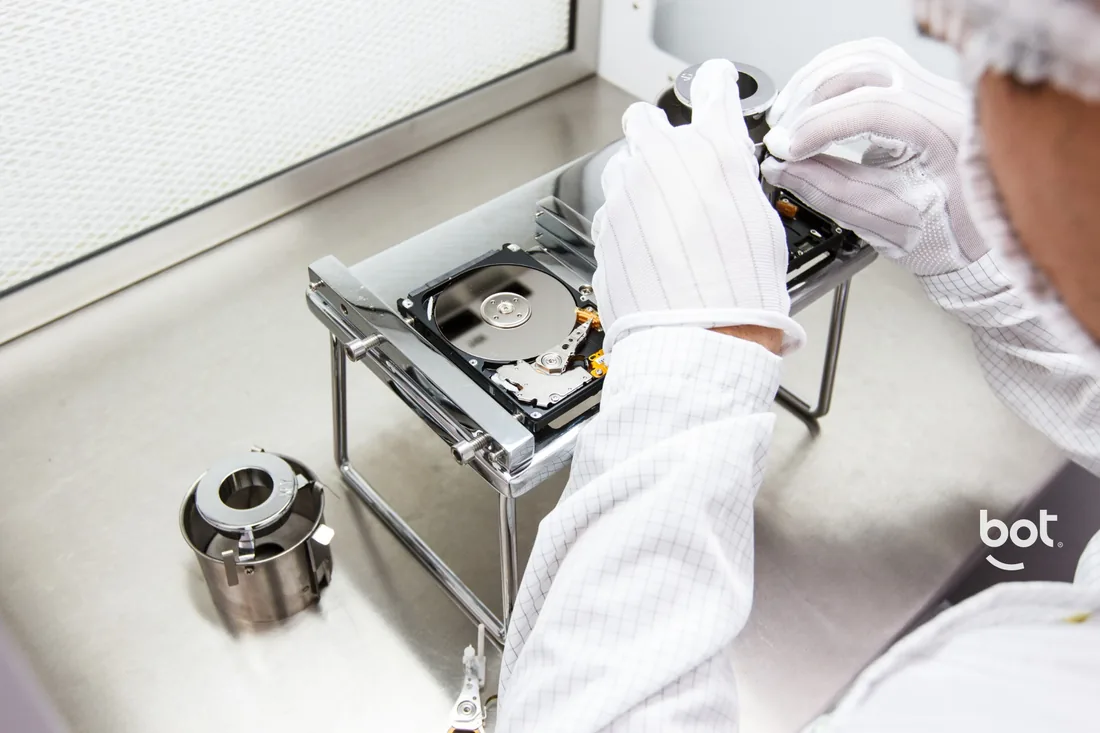 Also at Bot WhiteRoom®Mechanics and mechatronics labLearn more
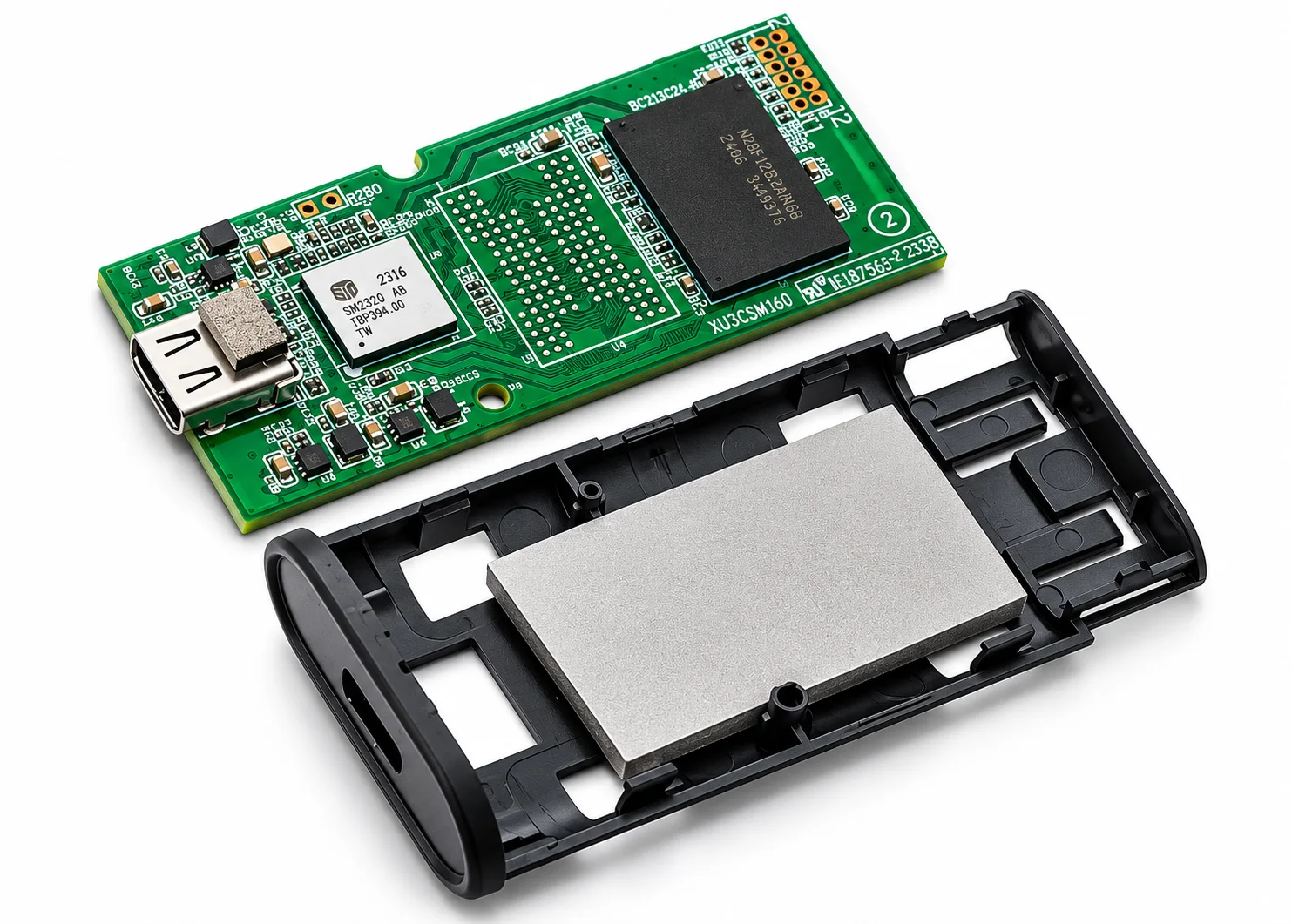
External SSD data recovery
External SSD: what is different?
An external SSD combines the SSD itself, a USB/SATA or USB/NVMe bridge and the power supply. A lit LED does not mean the SSD is responding.
Do not swap the enclosure or try one adapter after another. The fault may be in the cable, the connector, the bridge or the SSD itself. Tell us the model, whether it was dropped and what has already been tried.
More about SSDs
SSD recovery: price and turnaround
Diagnosis and quote: how long does it take?
The price depends on the fault and the procedures required, not on the SSD's capacity. You receive the quote and the turnaround before you decide.
48h
Standard
free
24h
Priority
$127
12h
Emergency
$270
Emergency service carries on into the work itself: once you approve the quote, the team and the lab work on your case day and night.
Are priority and emergency charged separately?
You pay only for the fast-track diagnosis: $127 for priority, with the diagnosis within 24 h at most, and $270 for emergency, within 12 h at most, on business days. The turnaround starts when the device is handed in at a drop-off point or, if you ship it, when it arrives at the laboratory; for priority and emergency, when payment is confirmed, if that comes later. If you approve the quote, the amount is deducted from the service.
Why can't the price be worked out from the symptom alone?
An SSD that does not show up on the computer may have a logical, electronic, firmware, controller or NAND memory fault. Each case calls for different procedures, and the quote follows the problem identified, not the message on the screen.
SSD recovery prices
The final price comes in the quote, before you decide, and it does not change once approved.
Complexity
Level 1
Controlled reading of the memory and logical rebuilding of the file system structures, using less invasive techniques.
from $210
Complexity
Level 2
Additional procedures, such as firmware work with PC-3000®, electronics repair and reverse engineering of controllers.
from $370
Complexity
Level 3
The most challenging scenarios, with multiple faults, advanced encryption or direct reading of the NAND memory, where the architecture allows.
from $620
3–6× interest-free installments by country, at any level
Understand the reference pricesSSD recovery after other attempts
A significant share of the cases Bot receives have already been through other companies without success.
- 200,000+
- cases solved
- 96%
- success rate since 2010
- 2
- decades in data recovery
Google · Recepção do Centro, Florianópolis
A Bot literalmente SALVOU minha vida profissional. Todos os meus dados de trabalho foram perdidos em um SSD que parou de acessar de um momento para o outro. Levei em um técnico perto do meu trabalho que ficou com ele durante 2 semanas e não conseguiu nada. Literalmente cai em DESESPERO. … Apos 11 dias de muita aflição, recebi o contato da empresa confirmando a recuperação de quase a totalidade do meus arquivos.
Diagnosis before any intervention
Each failure calls for a different procedure, and it can only be defined after the diagnosis. No trial and error in the dark with your data.
PC-3000 and ACE Lab
As a long-standing commercial partner of ACE Lab, Bot uses constantly updated PC-3000 platforms and has direct technical support from the engineers who develop the technology.
What is PC-3000?All types and brands
2.5-inch SATA SSDs, NVMe or M.2 SSDs, external SSDs, laptop or MacBook SSDs.
BrandsSamsung Kingston Crucial Western Digital SanDisk ADATA SK hynix PNY Kioxia
Reviews from SSD recovery customers
People who got their data back tell their story :)
Trustpilot · 2026
Very clear communication and no hidden fees, the service was very organized and more importantly, Bot managed to recover the files I needed! All the above make me strongly recommend Bot to whoever needs to recover files.
Ricardo Saraiva
Read on TrustpilotTrustpilot · 2026
Fast and professional service, always in contact at every step of the process. They collect and send the disk with the files, this facilitate a lot.
Miguel Gil
Read on TrustpilotTrustpilot · 2026
Excellent service. The work was completed promptly, and I received regular updates throughout the entire process. I highly recommend them! :)
Catarina Melo
Read on Trustpilot
Blog articles about SSDs
The SSD volume is open. The shelf holds 10 more.
A selection of articles from our blog, written by Bot's technical team on the basis of more than 200,000 cases.
Chapter 1 · 7 symptoms
SSD failure symptoms and what to do
Every error and every message tells us something, but the same symptom can have different causes. This guidance helps you prepare for your first contact; it does not replace a diagnosis.
SSD not recognized by the computer
Avoid reconnecting it, initializing it or updating the firmware.
It could be the controller, the firmware, the electronics, the NAND memory or the interface: reconnecting it repeatedly can change how the SSD behaves and get in the way of the diagnosis.
Very slow, freezing or showing SMART errors
Stop any copies or checks that read the whole SSD.
There may be memory wear, bad blocks or unstable firmware; continued use makes the degradation worse.
Read: SSD lifespanAsks to be formatted or shows up as RAW
Do not format it, initialize it or create a new partition.
The system has lost access to the structures that organize the data; formatting changes references that matter for the recovery.
Shows up as SATAFIRM S11
Do not update the firmware or use restore tools.
It indicates a critical firmware failure in SSDs with the Phison PS3111-S11 controller; repair tools can reinitialize the internal structures.
Files missing, not opening or corrupted
Stop using the SSD and do not install anything on it.
Deletion, logical corruption or memory degradation; on SSDs, TRIM can internally erase the freed blocks.
NVMe or M.2 SSD not showing in the BIOS/UEFI
Only check the basic compatibility of the computer.
It may be an electronic, controller, firmware or memory fault; updates and erase commands do not fix it and can make it worse.
MacBook SSD with soldered memory
Do not replace the board or reinstall the system.
The memory and, on some models, the controller sit on the logic board: recovery is possible in many cases, but it needs a laboratory.
Read: MacBook SSDChapter 2 · Contents · 7 articles
SSD
- SSD shows up as SATAFIRM S11
- Unallocated SSD
- SSD not recognized
- Corrupted SSD
- Can a faulty SSD be fixed?
- SSD wear
- SSD: what it is and its advantages
Chapter 3 · 3 types of failure
Logical, electronic and firmware faults in SSDs
They can occur together. The procedure depends on the controller, the architecture and the fault found.
Logical failures
Common signs
Files that have gone missing, a partition that has disappeared, an SSD that asks to be formatted or shows up as RAW.
What we do
Controlled reading of the memory and rebuilding of the file system structures, without writing anything to the original.
Electronic faults
Common signs
Will not power on, overheats, disappears during use or does not show in the BIOS/UEFI. SSD burnt out by a short circuit or power surge.
What we do
Board repair and power stabilization, to restore communication with the controller.
Firmware and NAND memory
Common signs
Shows up as SATAFIRM S11, with the wrong name or capacity, extreme slowness or SMART errors.
What we do
Firmware work with PC-3000® and, where the architecture allows, direct reading of the NAND memory.
How to send your SSD for recovery
From shipping to delivery, in six steps.
Contents
Free shipping for diagnosis: a prepaid Correios label in Brazil, courier pickup in mainland Portugal and Spain.
If you decide not to go ahead with the recovery, return shipping follows the terms of your country.
01
Fill in the form
You get the free shipping details for your country.
02
Pack it securely
Do not open it, remove components or power on the SSD to “show” the fault.
03
Free shipping
Ship it as set for your country (a Correios branch in Brazil, courier pickup in mainland Portugal and Spain), packed, with your name and the request number on the box. For an external SSD, send the whole unit as it is.
04
Diagnosis and quote
We assess the failure and its complexity. You receive the quote and turnaround before you approve.
05
Recovery
Once you approve, we carry out the procedures suited to the fault, whenever possible on a controlled copy of the memory.
06
Validation and delivery
We show you the result through file lists, samples and, where applicable, remote validation. Delivery on a new drive.
Limits of SSD recovery
What can prevent recovery
Advanced wear of the NAND memory, controllers not yet supported, data erased by TRIM and previous interventions can limit the result. Every case is assessed individually.
Controller, firmware and history
The controller and the firmware manage access to the memory; on some architectures, a lack of support rules out certain procedures. If the SSD has been updated, formatted or run through software, tell the team: the history helps us plan the work.
SSD recovery: frequently asked questions
Straight answers about your SSD.
Is recovering data the same as repairing the SSD?
No: recovering data means getting the files off the SSD, not repairing it so it can be used again. The work in the laboratory is reading the memory and rebuilding the files, and the copy goes onto other storage media. An SSD that has failed can no longer be trusted to store data, so the files are always delivered on another device.
Can I use recovery software?
Only for logical data loss, with the SSD recognized and stable, such as deleted files on an SSD that works properly. With a controller, firmware or memory fault, software cannot reach the data, and the attempts can make things worse. And never install the software or save the files on the SSD itself.
How does SSD recovery work?
You send or drop off the SSD and tell us what happened and which files are the priority. The diagnosis identifies the fault, and you receive the quote and the turnaround before you approve. Once you approve, we recover the data, whenever possible from a controlled copy, show you the result through file lists and samples and deliver it on other storage media.
I formatted my SSD. Can it still be recovered?
Not always: on SSDs, TRIM can internally erase the blocks freed after formatting. The less the SSD is used afterward, the better the chances. Shut down the computer or disconnect the SSD, do not reinstall the system on it and tell the team exactly what was done, so the diagnosis can show the real possibilities.
Can I keep using a slow SSD or one with SMART errors?
It is not advisable: slowness and SMART errors can indicate wear of the NAND memory or controller faults, and continued use makes the degradation worse. If your important files are still accessible, copy only those, once. Avoid long copies and checks, which strain an SSD that is already failing, and send it for diagnosis.
My MacBook’s SSD is soldered to the board. Can it be recovered?
In many cases, yes: Bot recovers data from MacBooks, including those with the SSD soldered to the logic board. Because the memory is on the board, the work is more complex and needs a lab diagnosis. Do not replace the board or reinstall the system first, as that can make the data inaccessible. Talk to the team before sending it: we only accept the whole computer by prior agreement.
What if it is a hard drive, USB flash drive, memory card or RAID?
Each device calls for different procedures, and Bot recovers data from all of them. The failures, the precautions before shipping and the price levels differ from one to the next, so each service has its own page. See them all under data recovery and choose your device.
More answers in the Help Center
Reviewed by Paulo Braga · data recovery specialist ·
Need the files on your SSD?
Tell us what happened. The Bot® team will advise you on the next step.