Phone and tablet data recovery
Your smartphone won’t turn on.
Give your photos
the best chance.
iPhone, Android and tablets · Free diagnosis · Service in Brazil, Portugal and Spain
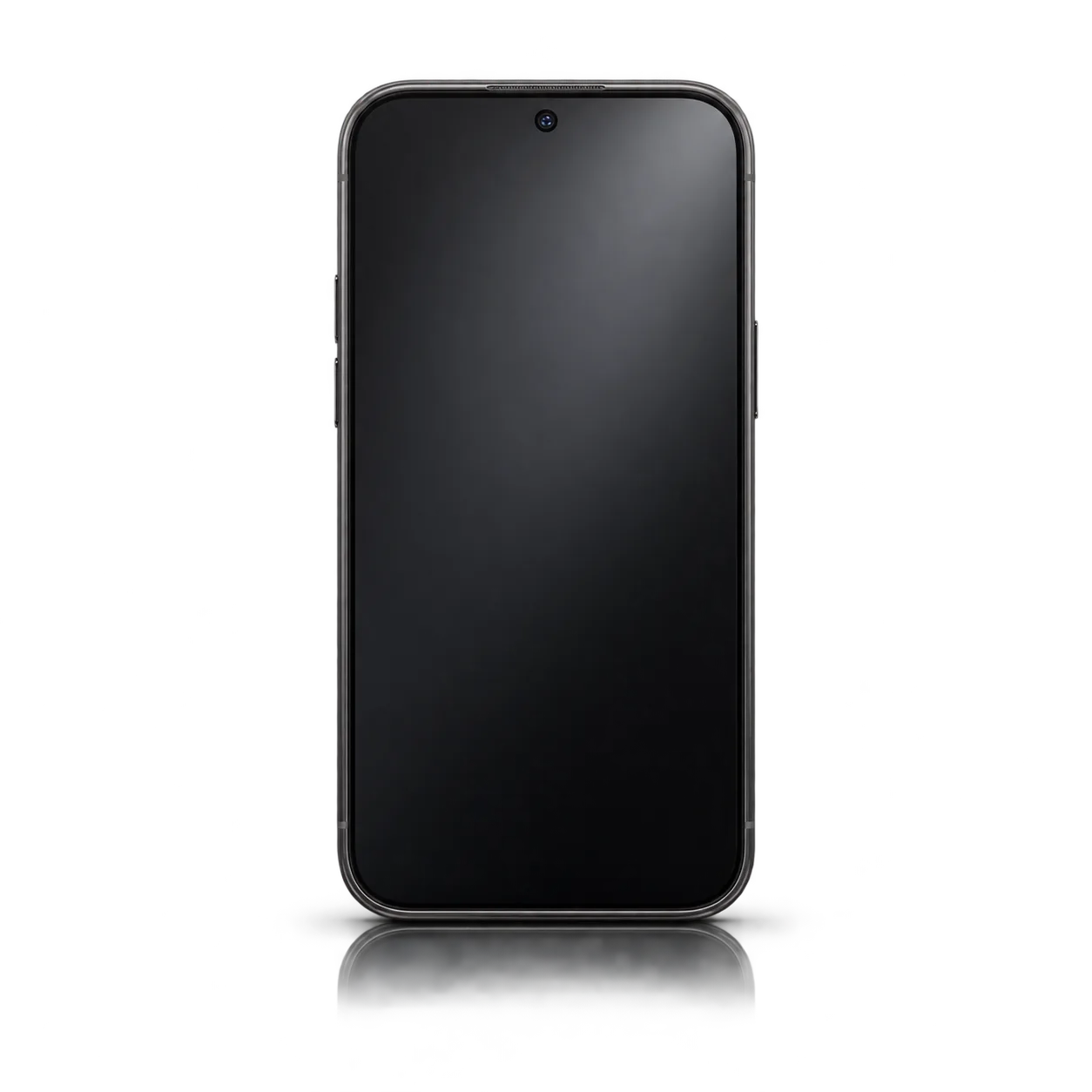
Can it still
be recovered?
Has your smartphone stopped turning on, got stuck in a boot loop, been dropped or got wet? In many cases, the data can still be recovered. We analyze the fault and send you a quote before any recovery work begins.
A smartphone that will not turn on, has been dropped or got wet may still hold your photos, contacts and documents in its internal memory. Restoring the device or repairing it before the diagnosis can reduce the possibilities.
Important
If it got wet, turn it off
and do not try to charge it.
Do not restore it or reset it to factory settings, and avoid screen or board repairs. Write down the passcode or unlock pattern: it is needed in most cases.
Bot WhiteRoom®: the Flash Lab for smartphone recovery
Every component.
Every solder joint.
All the firmware.
In a smartphone, the memory is soldered to the board and almost always encrypted. In the Flash Lab the work is electronics, under the microscope, with controlled heat: we treat the board, the components and the firmware so that the device itself can give access to the data again.
Explore the Flash Lab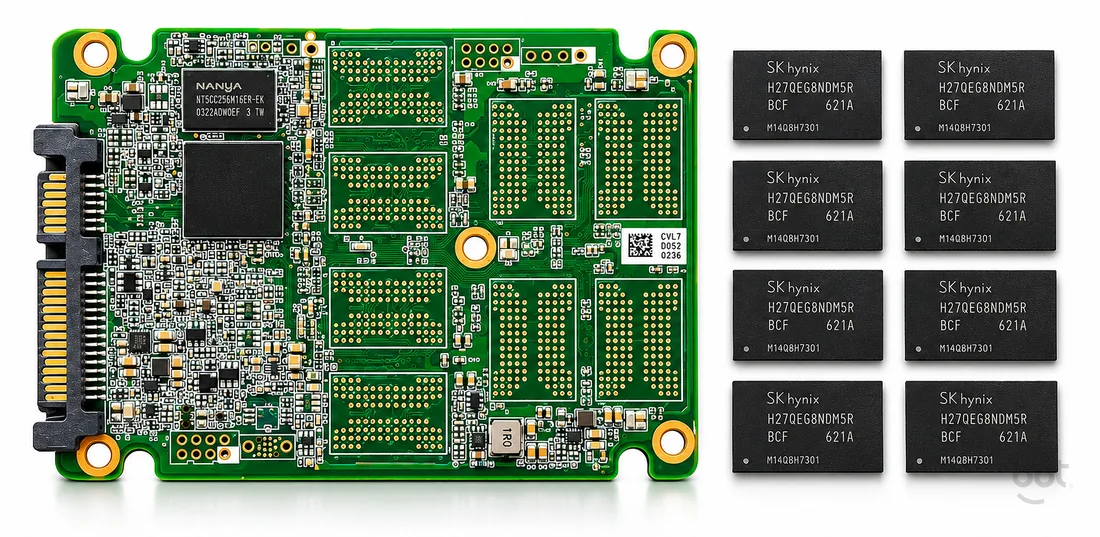
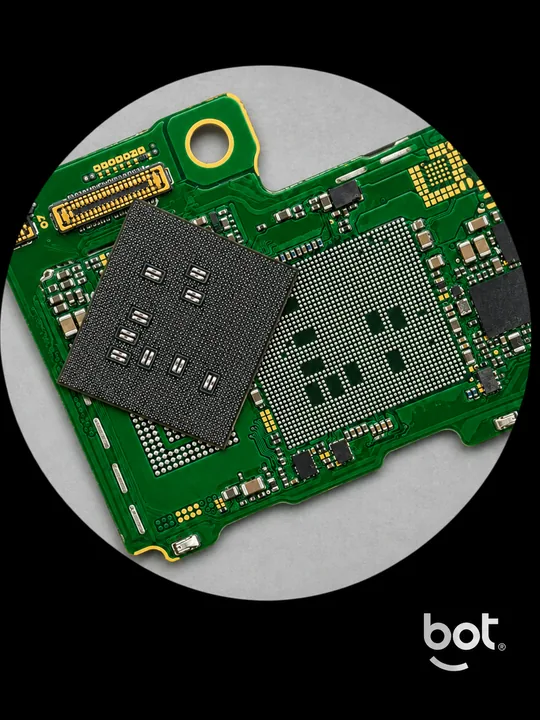 The board under the microscope
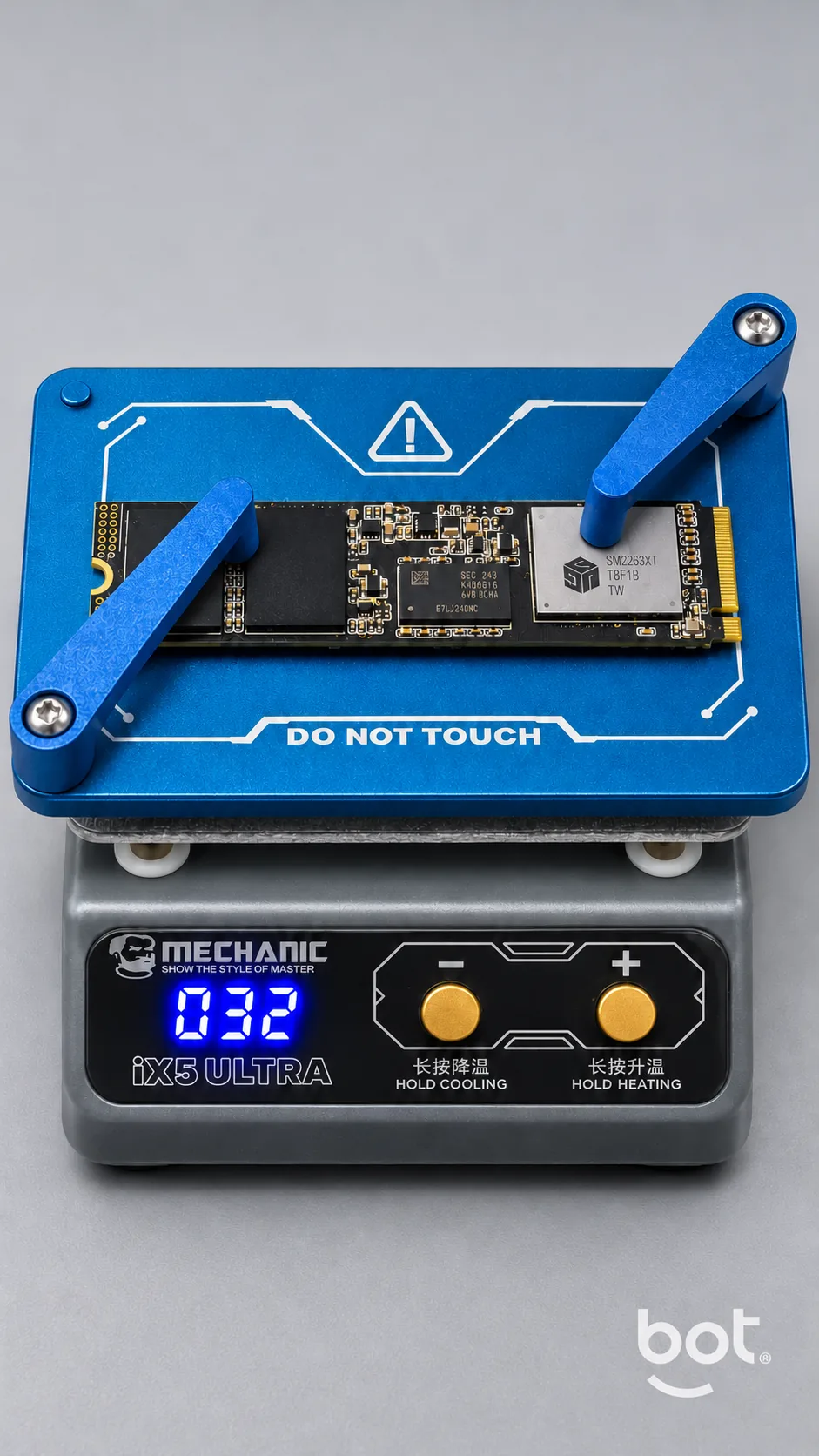 Heating base
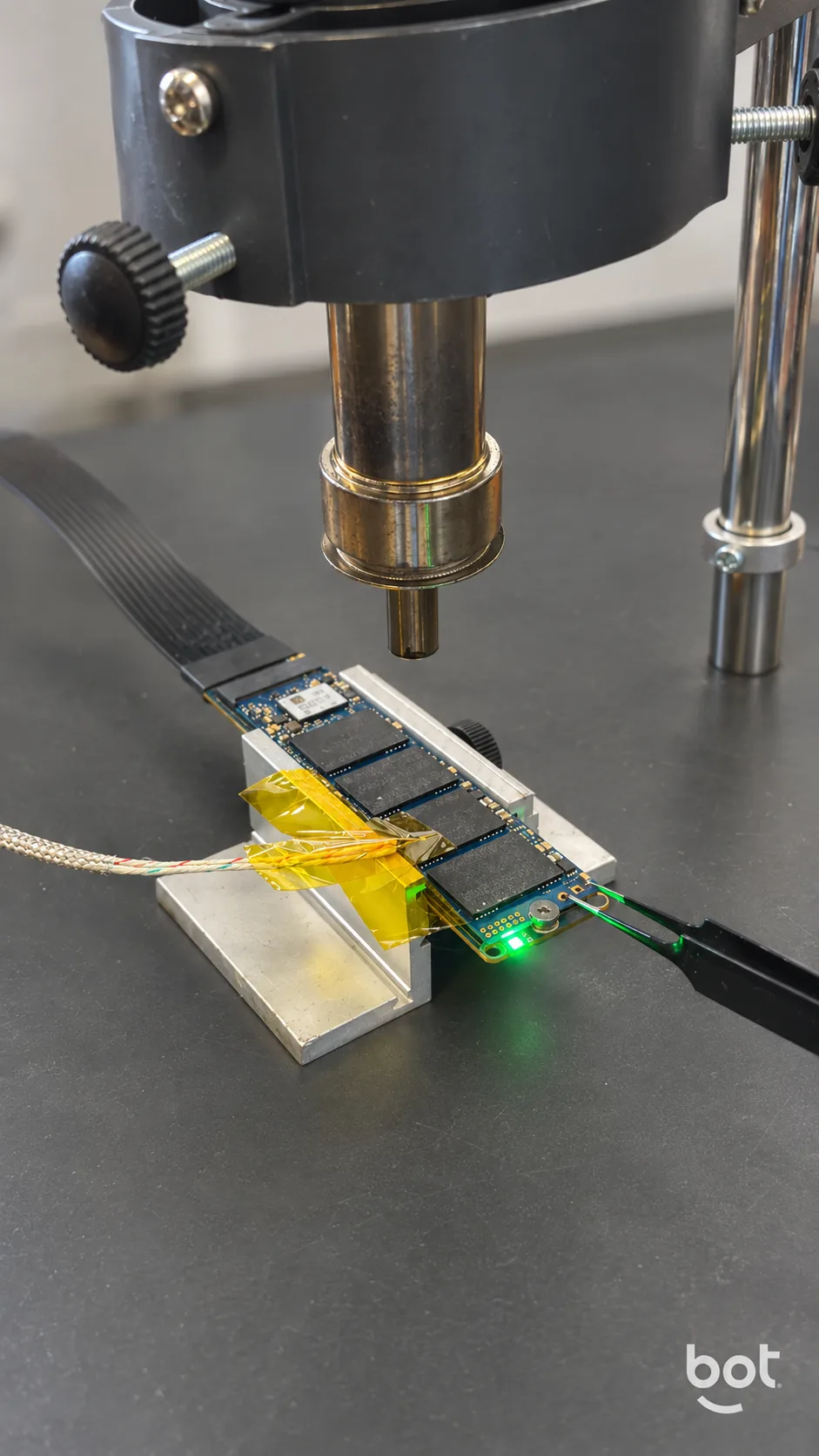 Controlled heat on the chip
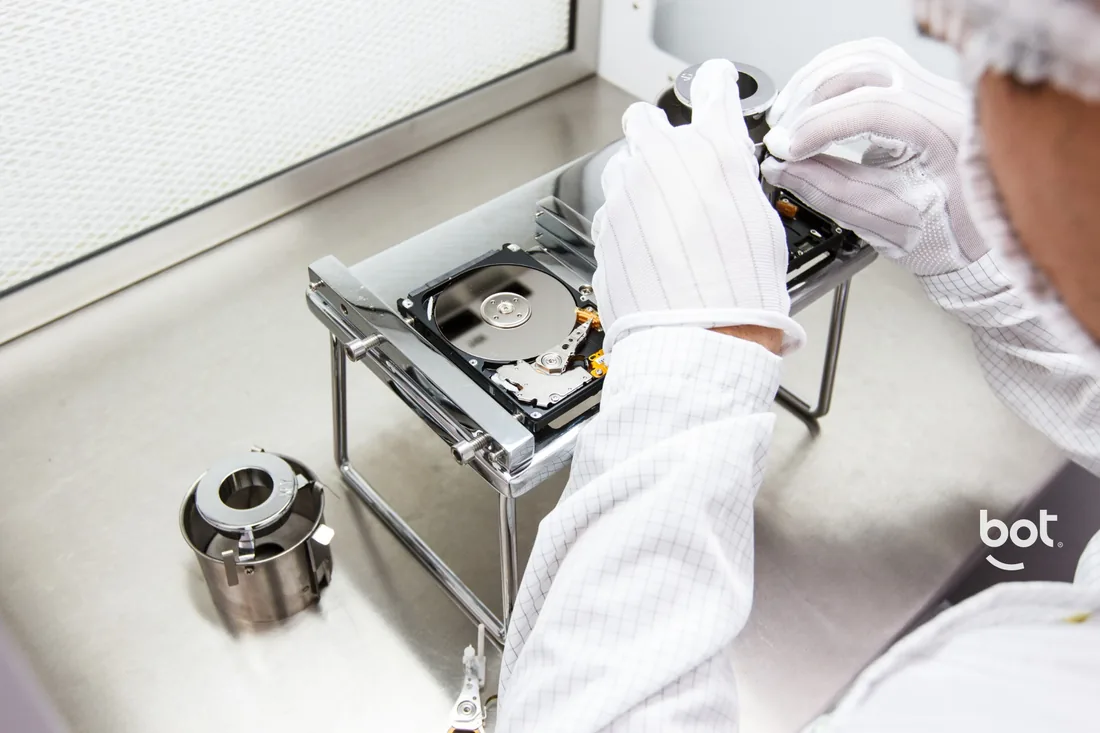 Also at Bot WhiteRoom®Mechanics and mechatronics labLearn more
Passcode, encryption and backup
Passcode and encryption: what is different?
Write down the passcode or unlock pattern: it is needed in most cases.
Today’s smartphones encrypt their internal memory. That is why the data is read through the device itself, and the passcode is part of the recovery. Restoring the smartphone or resetting it to factory settings erases the key, and with it access to the data.
Phone data recovery: price and turnaround
Diagnosis and quote: how long does it take?
The price depends on the fault and the procedures required, not only on the device model. You receive the quote and the turnaround before you decide.
48h
Standard
free
24h
Priority
$127
12h
Emergency
$270
Emergency service carries on into the work itself: once you approve the quote, the team and the lab work on your case day and night.
Are priority and emergency charged separately?
You pay only for the fast-track diagnosis: $127 for priority, with the diagnosis within 24 h at most, and $270 for emergency, within 12 h at most, on business days. The turnaround starts when the device is handed in at a drop-off point or, if you ship it, when it arrives at the laboratory; for priority and emergency, when payment is confirmed, if that comes later. If you approve the quote, the amount is deducted from the service.
Why can't the price be worked out from the symptom alone?
A smartphone that will not turn on may have a battery, board or memory fault. And access to the data depends on the device’s encryption. Each case calls for different procedures, and the quote follows the problem identified.
Smartphone data recovery prices
The final price comes in the quote, before you decide, and it does not change once approved.
Complexity
Level 1
Controlled access to the device and data extraction using less invasive techniques, without restoring or erasing anything.
from $280
Complexity
Level 2
Repair of the affected components, only as far as needed to read the data, and additional access procedures.
from $500
Complexity
Level 3
Complex board repairs and scenarios with multiple faults or advanced encryption, depending on the model.
from $840
3–6× interest-free installments by country, at any level
Understand the reference pricesSmartphone recovery after other attempts
A significant share of the cases Bot receives have already been through other companies without success.
- 200,000+
- cases solved
- 96%
- success rate since 2010
- 2
- decades in data recovery
Trustpilot · Belém
A BOT recuperou meus dados, que eu já havia tentado recuperar com outros profissionais, sem sucesso.
Diagnosis before any intervention
Each failure calls for a different procedure, and it can only be defined after the diagnosis. No trial and error in the dark with your data.
PC-3000 and ACE Lab
As a long-standing commercial partner of ACE Lab, Bot uses constantly updated PC-3000 platforms and has direct technical support from the engineers who develop the technology.
What is PC-3000?All types and brands
iPhone, Android smartphone, iPad or tablet.
BrandsiPhone iPad Samsung Motorola Xiaomi LG Android tablets
Reviews from smartphone recovery customers
People who got their data back tell their story :)
Trustpilot · 2026
Very clear communication and no hidden fees, the service was very organized and more importantly, Bot managed to recover the files I needed! All the above make me strongly recommend Bot to whoever needs to recover files.
Ricardo Saraiva
Read on TrustpilotTrustpilot · 2026
Fast and professional service, always in contact at every step of the process. They collect and send the disk with the files, this facilitate a lot.
Miguel Gil
Read on TrustpilotTrustpilot · 2026
Excellent service. The work was completed promptly, and I received regular updates throughout the entire process. I highly recommend them! :)
Catarina Melo
Read on Trustpilot
Blog articles about smartphones and tablets
The smartphone and tablet volume is open. The shelf holds 10 more.
A selection of articles from our blog, written by Bot's technical team on the basis of more than 200,000 cases.
Chapter 1 · 5 symptoms
Smartphone failure symptoms and what to do
Every sign from the device tells us something, but the same symptom can have different causes. This guidance helps you prepare for your first contact; it does not replace a diagnosis.
The smartphone won’t turn on
Do not keep trying different chargers and batteries.
It may be the battery, the charging circuit or the board; the memory holding the data may be intact.
Stuck on the logo or in a boot loop
Do not restore it or reset it to factory settings.
Restoring erases the device’s memory; the boot loop may be a system fault or a board fault.
White or black screen, or no image
Avoid replacing the screen before the diagnosis.
The device may be working behind a damaged screen, or it may have a board fault.
Got wet or came into contact with liquid
Turn off the device and do not try to charge it.
Corrosion spreads over time and with electric current; the sooner the diagnosis, the better.
Dropped or took an impact
Avoid screen or board repairs before the diagnosis.
The impact may affect the board and the memory; a repair without a diagnosis can make access to the data harder.
Chapter 2 · Contents · 6 articles
Smartphone and tablet
- Instagram Direct messages
- White screen on iPhone
- How to unlock an iPhone
- iPhone stuck on the Apple logo
- Frozen iPad
- WhatsApp backup
Chapter 3 · 3 types of failure
Logical, physical and board faults in smartphones
They can occur together. The procedure depends on the model, the encryption and the fault found.
Logical failures
Common signs
A device stuck on the logo or in a boot loop, a system that will not start after an update.
What we do
Controlled access to the device and data extraction, without restoring or erasing anything.
Liquid and impact
Common signs
Got wet, was dropped, the screen cracked, the device overheats or shuts down by itself.
What we do
Cleaning of corrosion and repair of the affected components, only as far as needed to read the data.
Board and memory
Common signs
Won’t turn on, won’t charge, not recognized by the computer.
What we do
Board repair so that the device turns on again and allows the memory to be read.
How to send your smartphone for recovery
From shipping to delivery, in six steps.
Contents
Free shipping for diagnosis: a prepaid Correios label in Brazil, courier pickup in mainland Portugal and Spain.
If you decide not to go ahead with the recovery, return shipping follows the terms of your country.
01
Fill in the form
You get the free shipping details for your country.
02
Pack it securely
Do not open it, replace parts or try to charge the device to “show” the fault.
03
Free shipping
Ship it as set for your country (a Correios branch in Brazil, courier pickup in mainland Portugal and Spain), packed, with your name and the request number on the box. Send only the device, without the charger or case.
04
Diagnosis and quote
We assess the failure and its complexity. You receive the quote and turnaround before you approve.
05
Recovery
Once you approve, we carry out the procedures suited to the fault, whenever possible on a copy of the device’s memory.
06
Validation and delivery
We show you the result through file lists, samples and, where applicable, remote validation. Delivery on a new drive.
Limits of smartphone data recovery
What can prevent recovery
The device’s encryption, damage to the board or the memory, factory resets and previous repairs can limit the result. Bot does not recover deleted files or WhatsApp messages. Every case is assessed individually.
Passcode and history
Without the passcode or unlock pattern, access to the data may not be possible. If the device has been opened, restored or repaired, tell the team: the history helps us plan the work.
Smartphone data recovery: frequently asked questions
Straight answers about your smartphone.
Do I need to give you my smartphone’s passcode?
In most cases, yes: the passcode or unlock pattern is needed to access the data, because the memory in today’s smartphones is encrypted. Without it, access may be impossible even once the device has been repaired. Have the passcode ready before sending it and tell the team if the device has already been repaired elsewhere.
My smartphone got wet. What should I do?
Turn off the smartphone immediately and do not try to charge it or turn it on to test it: with moisture, the current can cause short circuits on the board. Do not use a hair dryer or heat. Send it for diagnosis as soon as possible, because corrosion spreads over time and can reach the components the recovery depends on.
How does smartphone recovery work?
You send or drop off the smartphone and tell us what happened and which files are the priority. The diagnosis identifies the fault, and you receive the quote and the turnaround before you approve. Once you approve, we recover the data, whenever possible from a controlled copy, show you the result through file lists and samples and deliver it on other storage media.
Can I restore the smartphone to get it working again?
Not if you need the data: restoring or resetting to factory settings erases the device’s memory, and on today’s smartphones that data does not come back. Even if the smartphone will not turn on or gets stuck on the logo, avoid updates and restores. Send it for diagnosis as it is, so the team can try to access the data before any repair.
Should I replace the screen or the battery before sending it?
No: avoid screen, battery or board repairs before the diagnosis, because a poorly done replacement can damage connectors and components needed to access the memory. If the device has already been to a repair shop, tell the team what was replaced. In the laboratory, we only repair what is needed to recover the data.
What should I send?
Send the smartphone or tablet without the charger or case, and have the unlock passcode ready. Tell the team the model, what happened and which files are the priority, such as photos, contacts or documents. If the device has already been repaired elsewhere, also tell us what was done, because it helps us plan the work.
What if it is a hard drive, SSD, USB flash drive or memory card?
Each device calls for different procedures, and Bot recovers data from all of them. The failures, the precautions before shipping and the price levels differ from one to the next, so each service has its own page. See them all under data recovery and choose your device.
More answers in the Help Center
Reviewed by Filipe Braga · laboratory manager ·
Need the photos and files on your smartphone?
Tell us what happened. The Bot® team will advise you on the next step.