


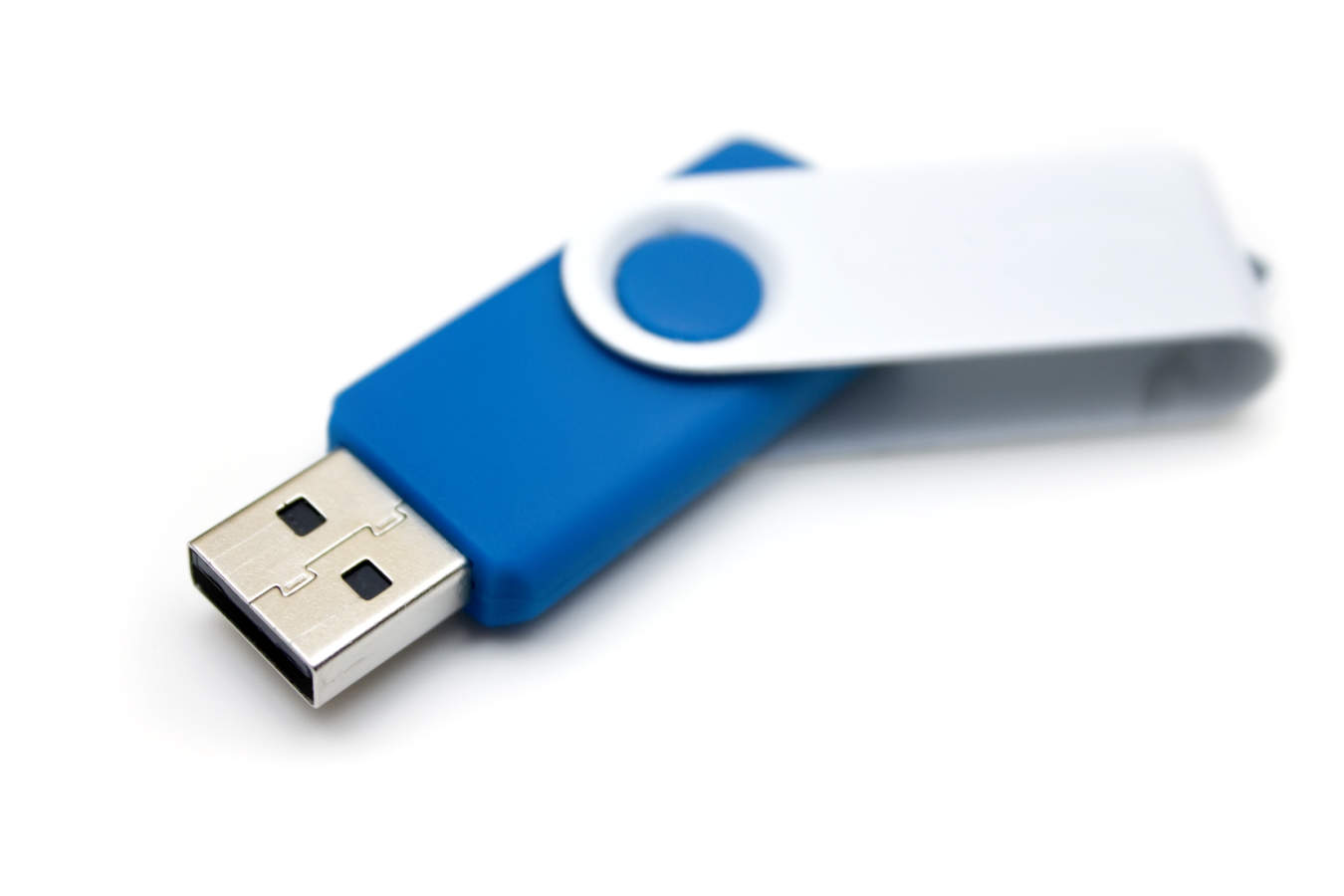
USB flash drives have become more and more popular because they make it easy to store data and carry it around.
Errors like this can have a logical or a physical cause, and repeated repair attempts can make things worse. If the files matter, see how flash drive data recovery works, starting with a free diagnosis.
But they are also fragile, and it’s quite common for a flash drive to become corrupted and leave your files inaccessible. The good news is that data can often be recovered from a USB flash drive by specialists who first analyze the drive and then choose the right procedure.
Want to know more? Read on to find out how to recover files from your flash drive.

Recovering a flash drive requires care
Recovering deleted or corrupted files from a flash drive is not a simple task. That’s why the most reliable and safest option is to have it done by a specialist, who will use the right tools for the type of fault identified in the initial analysis.
If you plug in your flash drive and it isn’t recognized, don’t try to recover the data yourself without the necessary knowledge and skills, and don’t format it if Windows asks you to. This reduces the risk of losing your data and can keep the recovery simpler. Instead, turn to a company or professional with the right expertise.
Advantages of using a professional data recovery service:
- Professional work, with no improvised procedures, which protects the device and the data and gives you the best chance of a successful recovery;
- Data integrity, because improvised attempts with the wrong tools, by people without technical skills, can cause irreversible loss of the information you want to recover;
- Fast, thorough recovery, ideal if you can’t or don’t want to waste time getting to the information stored on the flash drive;
- Confidentiality, because the company or professional must keep the recovered information private and hand the files over to the client only.
Found this useful? Check out Bot’s solutions and ask for a quote.


